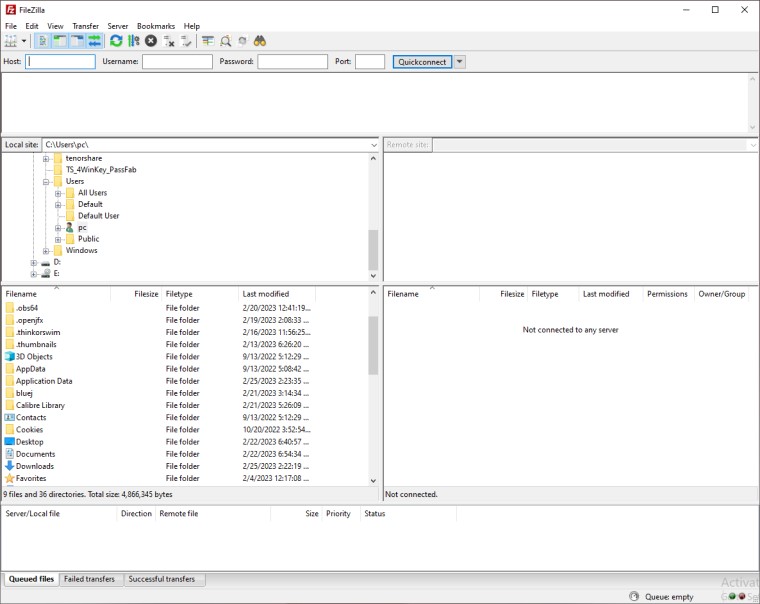
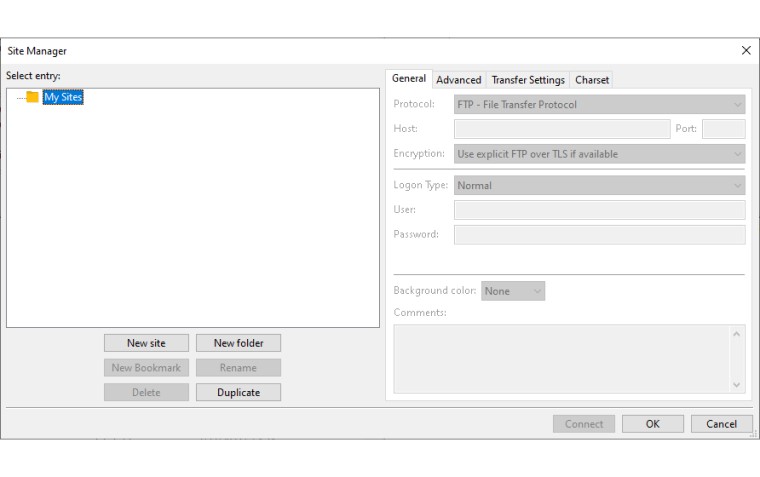
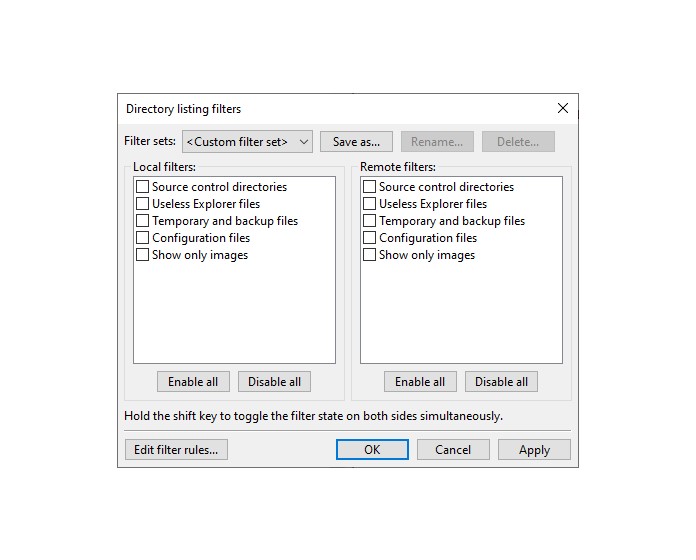
FileZilla 3.69.1
Free Download
Download links
How to install FileZilla?
1. Download and extract the ZIP file.
2. Open the folder and double-click on installer setup file.
3. Follow the steps on the screen to install FileZilla.
FileZilla Latest Version 3.69.1 Update
Bugfixes and minor changes: MSW Fixed an issue with Drag&Drop to Explorer on systems that use shortened 8.3 pathnames in environment variables MSW If FileZilla was installed for current user only, updating with the installer now skips the UAC prompt Updated to libfilezilla 0.41.1 to fix a rare crash Official binaries are now built against GnuTLS 3.8.0