
GaG 2 Script – Best Grow a Garden 2 Auto Fram, Auto Steal, No Key Script
1 views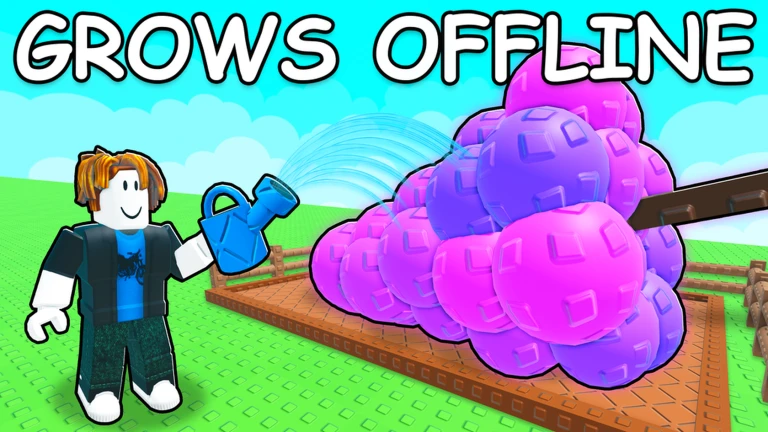
Description
Take your farming to the next level with the Grow a Garden 2 Script, built around the powerful Axonic/Cinnamon Hub. The best part? It’s completely keyless, so you can start using it right away without wasting time on Linkvertise pages or key systems. It’s made to handle the repetitive parts of the game for you, making crop management and resource gathering almost effortless.
Instead of juggling multiple scripts, this hub brings all the essential automation tools together in one easy-to-use interface. Whether you want to boost your own garden’s productivity or make farming more efficient overall, it offers a smooth experience that works well on both PC and mobile.
Main Features
🌱 Garden Automation
- Auto Farm: Handles the day-to-day farming tasks automatically, so your garden keeps progressing with minimal effort.
- Auto Harvest: Collects crops as soon as they’re ready, helping you maximize your harvests without constantly checking your plot.
- Auto Steal: Looks around nearby gardens and automatically grabs available uncollected resources from other plots.
🛒 Utility & Performance Tools
- Auto Shop: Instantly purchases seeds, tools, and other useful items directly from the in-game shop without needing to travel back manually.
- FPS Booster: Tweaks certain visual effects and rendering settings to improve performance, making gameplay much smoother—especially on lower-end devices.
- Extra Utilities: Includes a handful of quality-of-life options and movement tweaks to make your farming sessions more convenient.
How to Use
- Open your favorite Roblox executor (such as Delta or Potassium for mobile, or Wave for PC).
- Launch Grow a Garden 2 and wait until the game and your garden plot have fully loaded.
- Open your executor and clear any old code from the input box.
- Copy and paste the provided GitHub loadstring into the executor.
- Press Execute, and the Axonic/Cinnamon Hub interface will appear instantly. From there, simply enable the features you want—no key verification required.
Features
Compatible Executors
Script
loadstring(game:HttpGet("https://raw.githubusercontent.com/Kenniel123/Grow-A-Garden-2/refs/heads/main/GrowAGarden2"))()Comments (0)

No comments yet. Be the first!