

Roblox Survive Zombie Arena Script – Silent Aim & Auto-Upgrade Suite
8 views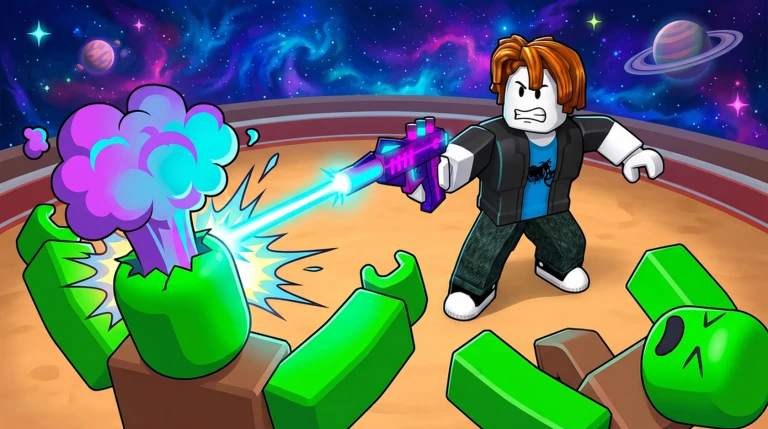
Description
The Survive Zombie Arena Fighting and Auto Loadout Script is an elite, multi-functional combat menu designed specifically for handling high-tier challenges, heavy equipment configurations, and high-difficulty zones in Survive Zombie Arena. Engineered to provide absolute battlefield dominance, this script automates weapon progression, gear management, and combat mechanics into a unified system.
Currently offered as a completely keyless asset with optimized native support for modern mobile and PC executors, it allows users to unlock maximum firepower instantly without completing repetitive ad-gate verifications.
Key Features & Customization Parameters
- Advanced Aimbot & Silent Aim: Effortlessly locks onto zombie critical zones, utilizing auto-shoot and silent aim frameworks to guarantee 100% accuracy without disrupting your field of view.
- Dynamic Gun Modifications: Overhaul weapon physics on the fly by boosting Bullet Speed, Max Range, and Blast Power to clear out wave aggregates in heavy powder zones.
- Instant Auto-Loadout & Upgrades: Automatically configures your ideal weapon setup, purchases health points, and upgrades weapon tiers mid-round the moment resources are acquired.
- Automated Map Utilities: Features seamless automation to Auto-Queue for matches, Auto-Skip Votes to bypass lobby downtime, and Redeem All Codes for immediate free currency.
- Resource Optimization Engine: Seamlessly uses linear tween mechanics with customizable speed limits to Auto-Collect drop items, crystals, and shards across the map.
- Local Player Physics Override: Fully customize your character’s attributes with adjustable Walk Speed, Jump Power, Infinite Jump, and Noclip vectors to completely evade zombie positioning.
How to Execute the Script Safely
- Launch an updated, secure Roblox execution engine (such as Xeno, Delta, or Hydrogen).
- Enter the Survive Zombie Arena game world and join an active server or lobby.
- Access your injector interface and open a new text execution field.
- Copy the complete, raw Lua script block provided below and paste it directly into the input window.
- Click “Execute” to initiate the graphical dashboard panel overlaying your game UI.
Features
Compatible Executors
Script
loadstring(game:HttpGet("https://api.jnkie.com/api/v1/luascripts/public/de5a90dc7615d3802da293e1a1df992304f9e0893e8357fb4b474ccccd27fc42/download"))()Comments (0)

No comments yet. Be the first!