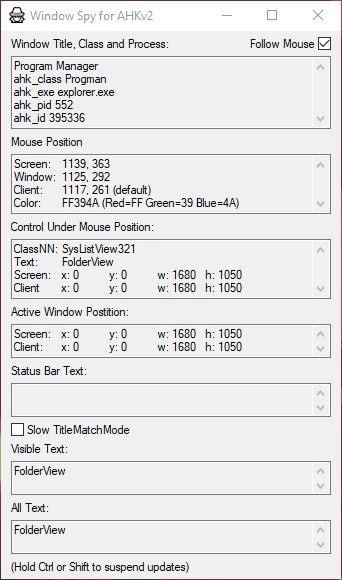
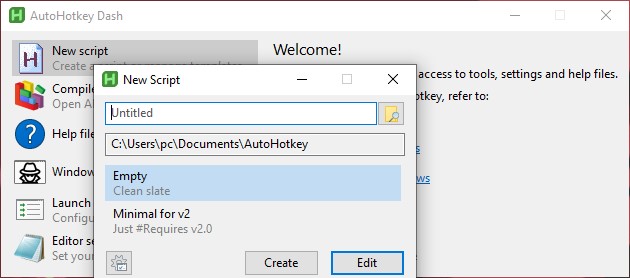
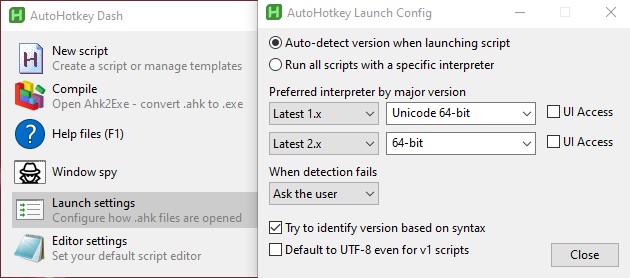
Windows automation and scripting programmed called AutoHotkey is free and open-source. It can be utilized for a number of things, such as:
Automating routine chores: AutoHotkey can be used to automate routine tasks like sending emails, renaming files, filling out web forms, and more.
Creating hotkeys and macros: AutoHotkey can make hotkeys, or custom keyboard shortcuts, to start applications or carry out particular activities, as well as macros, which automate intricate keystroke and mouse click sequences.
Keyboard customization and remapping: AutoHotkey has the ability to change and remap keyboard keys, such as changing Caps Lock to a modifier key or switching the locations of the Ctrl and Alt keys.
Easy graphical user interface (GUI) programmed can be made with AutoHotkey, such as dialogue boxes or
without the need for complicated programming, form fillers
Overall, AutoHotkey is an effective application for automating and customizing Windows computers, which helps users save time and be more productive.