FineVoice is a powerful and expressive AI voice generator and audio creation tool for Windows PC. It allows you to create high-quality, royalty-free voices, sound effects, and even background music using simple text prompts. The FineVoice 3.0 has evolved into a complete all-in-one audio platform for creators.
Whether you are a YouTuber, streamer, podcaster, educator, or marketer, FineVoice helps you bring your ideas to life with realistic voices and immersive audio. Read the full FineVoice 3.0 review here.
FineVoice AI Text to Speech Top Features
FineVoice is an advanced text-to-speech converter, voice changer, and AI audio generator designed mainly for Windows users. It combines traditional voice tools like recording and real-time voice changing with next-generation AI features such as:
- AI Text to Speech
- AI Voice Cloning
- AI Sound Effects Generator
- AI Background Music Creator
- Real-Time Voice Changer
- Audio Enhancement Tools
While FineVoice is primarily built for Windows PC, it is also available for macOS, allowing creators on both platforms to use the same powerful features.
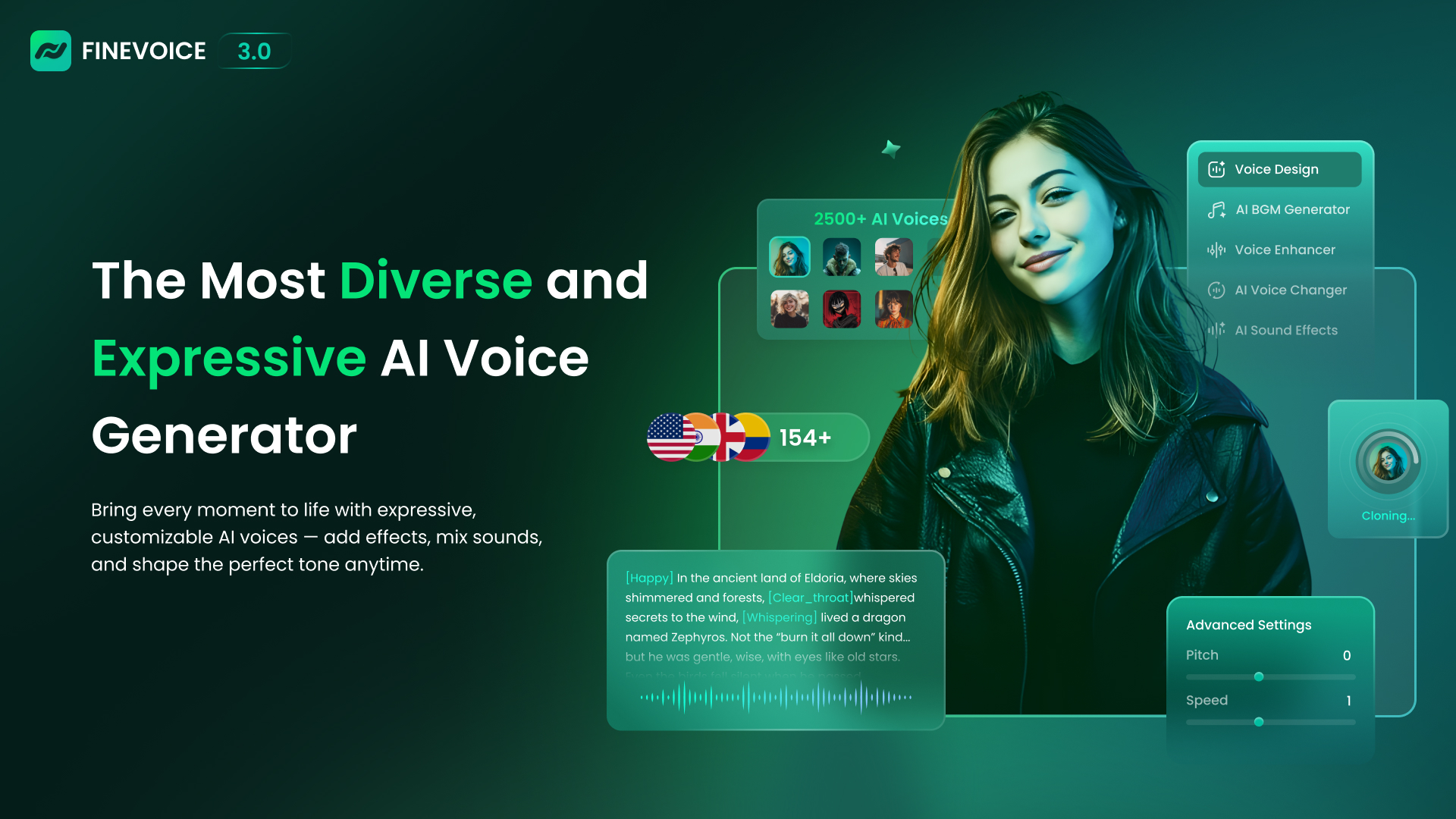
🎙️ Voice Design – Create Any Voice You Imagine
Design unique AI voices using simple text prompts. You can adjust tone, pitch, speed, and vocal style to match your character or brand.
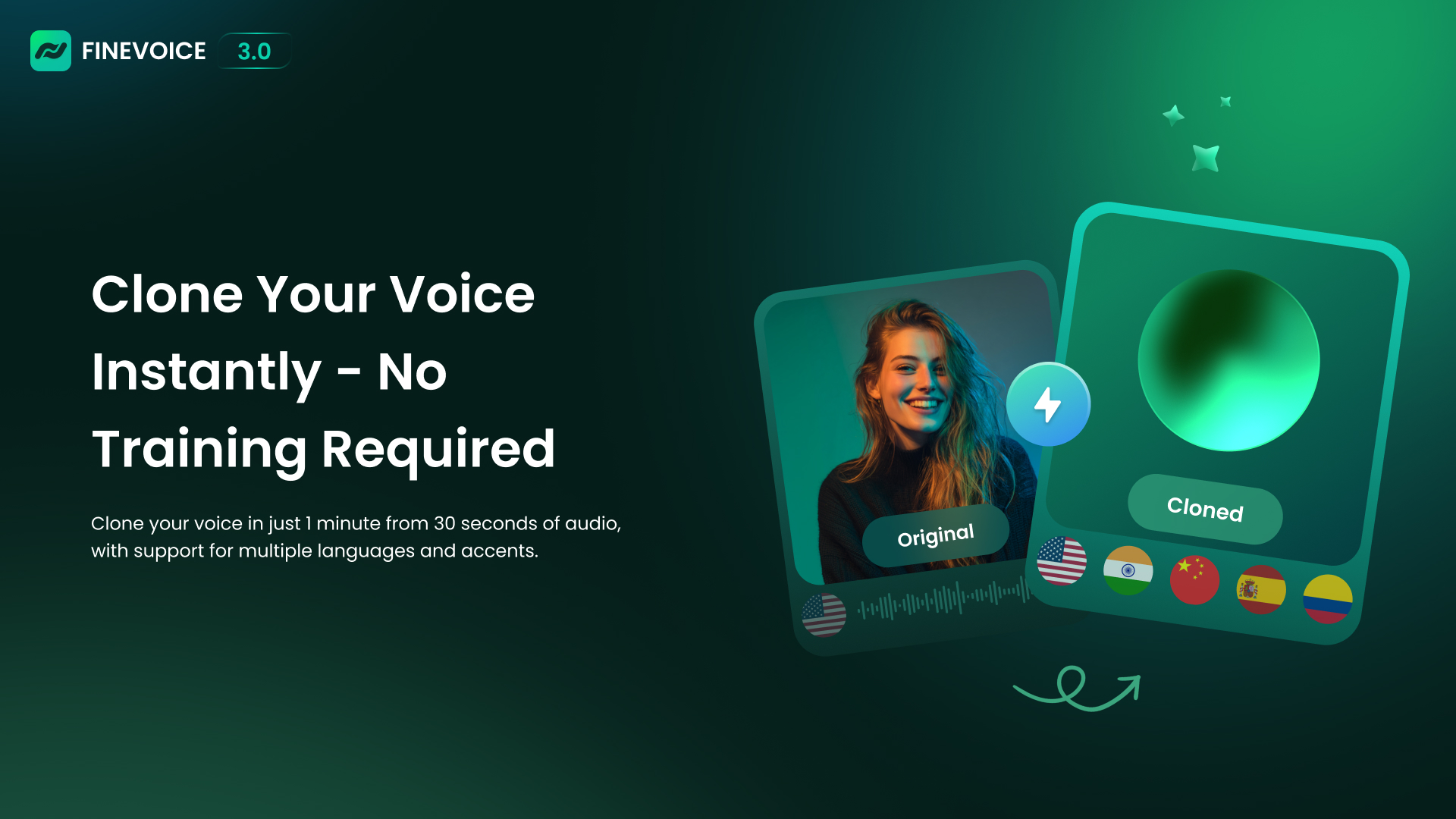
🧬 Voice Cloning – Clone Any Voice in One Minute
Using only 30 seconds of audio, FineVoice can clone a voice in under a minute.
It supports 154+ languages and accents, making it perfect for global creators.
💬 Text to Speech with Emotion Tags
Convert text into realistic, emotional AI voices.
Use emotion tags to control mood, intensity, and expression for storytelling, videos, and audiobooks.
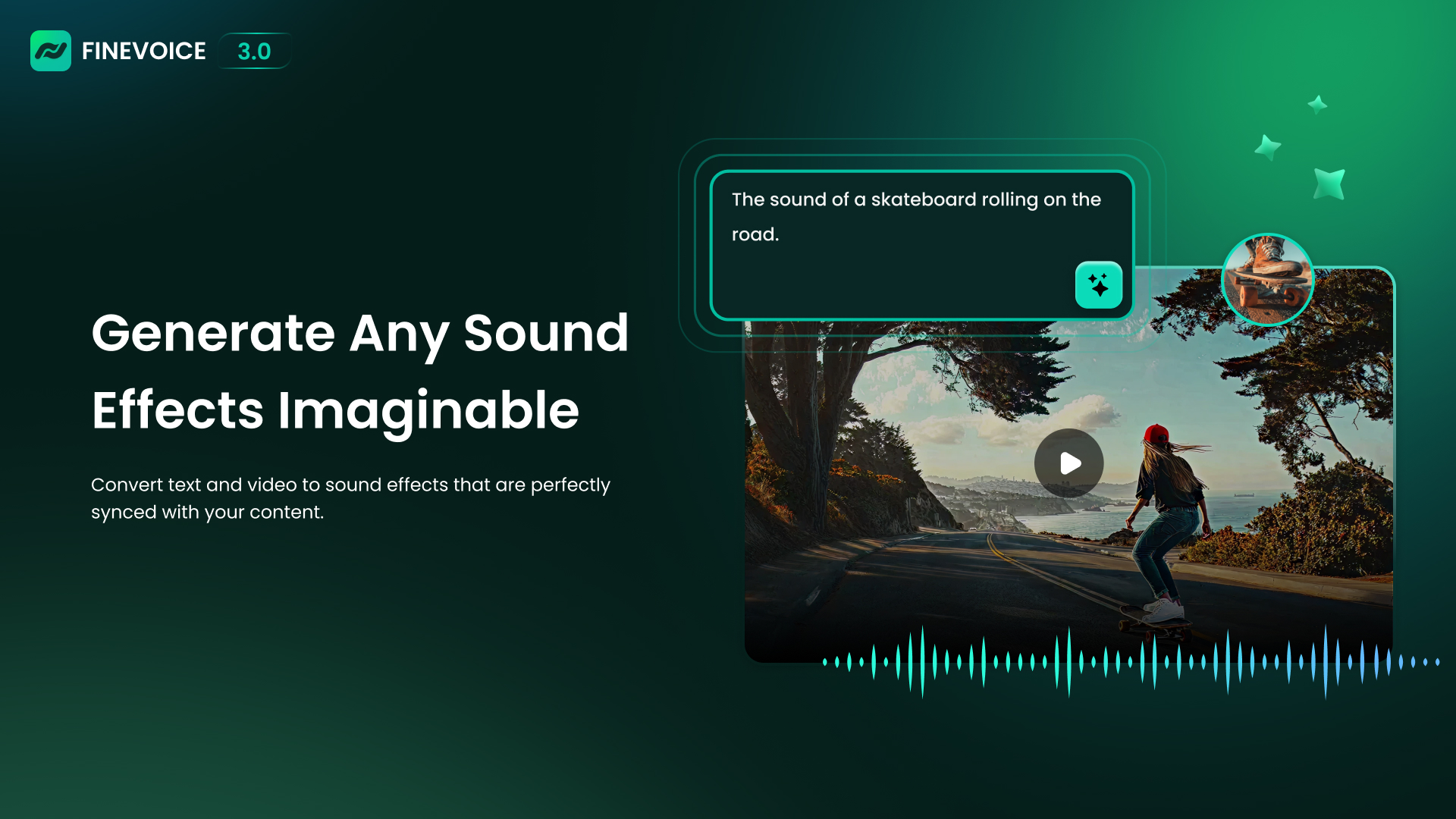
🎧 AI Sound Effect Generator
Create high-quality sound effects from simple text or video input. Perfect for games, videos, and cinematic scenes.
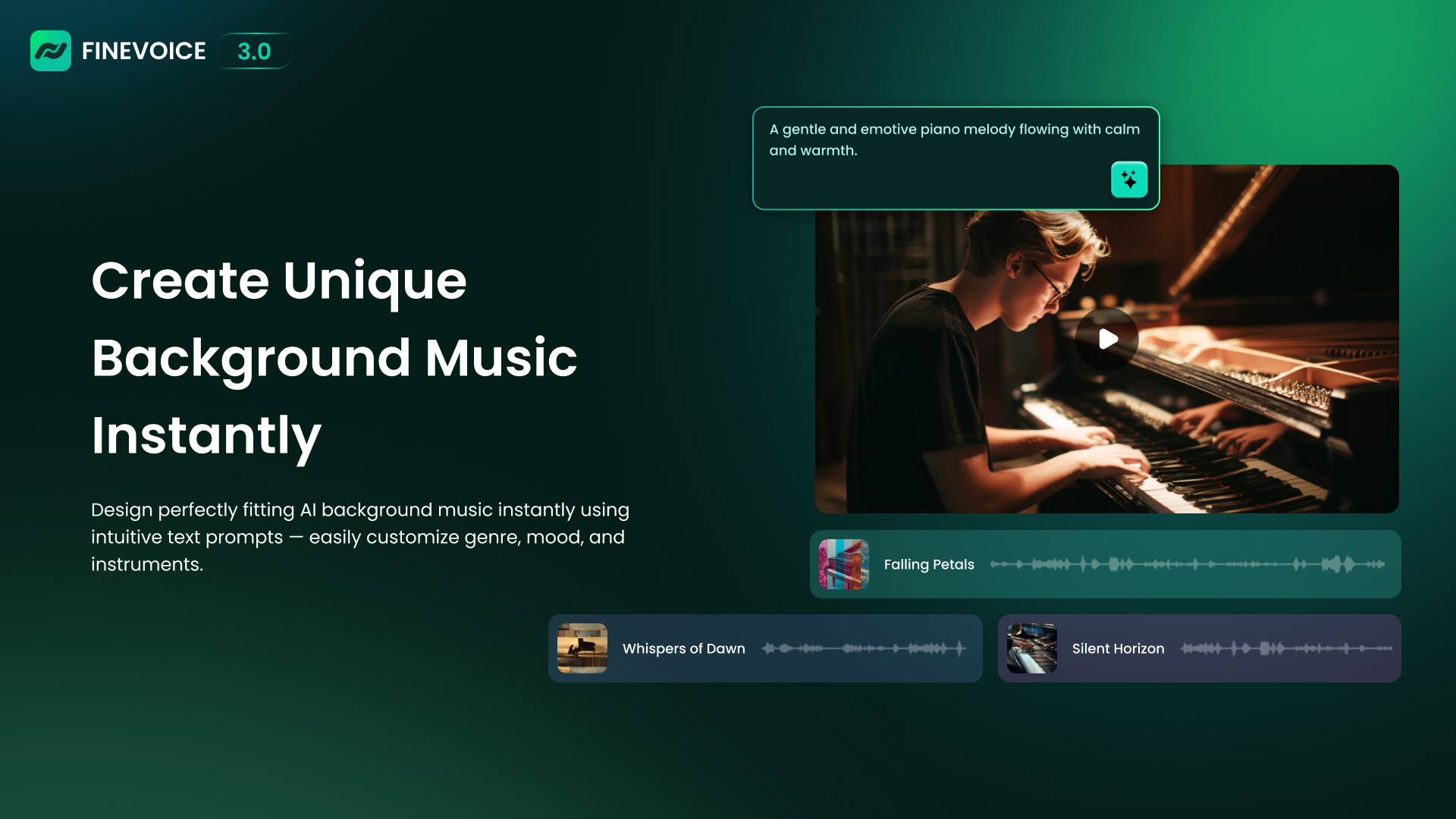
🎵 AI Background Music Generator
Generate royalty-free background music instantly. Customize:
- Genre
- Mood
- Instruments
All from a single text prompt.
What’s New in FineVoice 3.0?
FineVoice 3.0 is a complete upgrade from previous versions. It introduces a smarter AI engine, a modern interface, and more creative control.
Key Improvements in Version 3.0
- More natural and expressive voices
- Text-based voice, SFX, and music generation
- Emotion tags for realistic voice control
- Faster voice cloning with higher accuracy
- A cleaner and easier user interface
Designed for Creators on Windows
FineVoice is optimized for Windows 10 & Windows 11 (64-bit) and works smoothly even on mid-range PCs. During testing, it used minimal CPU and memory, and only takes a few seconds to load on startup.
The interface is clean and simple. Just:
- Choose a tool
- Drag or upload a file
- Customize settings
- Click Generate / Convert
Who Should Use FineVoice?
- YouTubers
- Streamers
- Podcasters
- Game creators
- Online teachers
- Marketing teams
Whether you need narration, character voices, background music, or sound effects, FineVoice does it all in one place.
Platform Availability
- ✅ Windows PC
- ✅ macOS
Our Verdict
FineVoice 3.0 is no longer just a voice changer, it’s a complete AI audio creation studio. With text-to-speech, voice cloning, sound effects, and music generation in one tool, it’s a must-have for modern content creators.
Give every idea a voice. Give every voice life — with FineVoice.