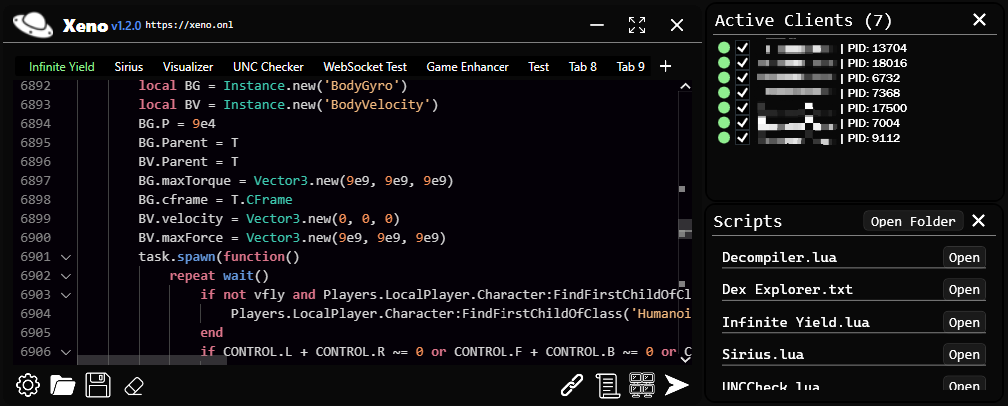
Xeno Executor is a high-performance Roblox Executor especially designed for Windows PCs, offering advanced scripting capabilities with exceptional speed and stability. Equipped with UNC Level 7 support, it delivers fast and reliable script execution through a clean, user-friendly interface, completely free of cost. Developed and maintained by the official Xeno Team, it has quickly earned a strong reputation within the Roblox scripting community for its power, consistency, and ease of use.
Whether you aim to enhance your gameplay, unlock advanced features, or run custom scripts, Xeno Executor is the only free Roblox Executor available for PC that provides a smooth, secure, and beginner-friendly experience for users at every skill level.
Top Features of Xeno Executor Roblox Windows PC
Here are the major features that make Xeno one of the most trusted Roblox executors:
1. Instant Loadstring Execution
Xeno executes scripts instantly without lag. This ensures smooth gameplay and uninterrupted performance while running any script.
2. Safe and Secure Execution
Xeno is tested extensively for stability and safety. It has a 75% success rate in avoiding script rejections. While safety features exist, it’s always recommended to test new scripts on an alt account.
3. UNC Level 7 Executor
Its advanced UNC Level 7 engine allows it to bypass most scripting restrictions, making it powerful enough to run complex scripts smoothly.
4. Fully Bug-Tested
Every version undergoes heavy stress testing to eliminate crashes, bugs, or compatibility issues, making it one of the most stable executors available.
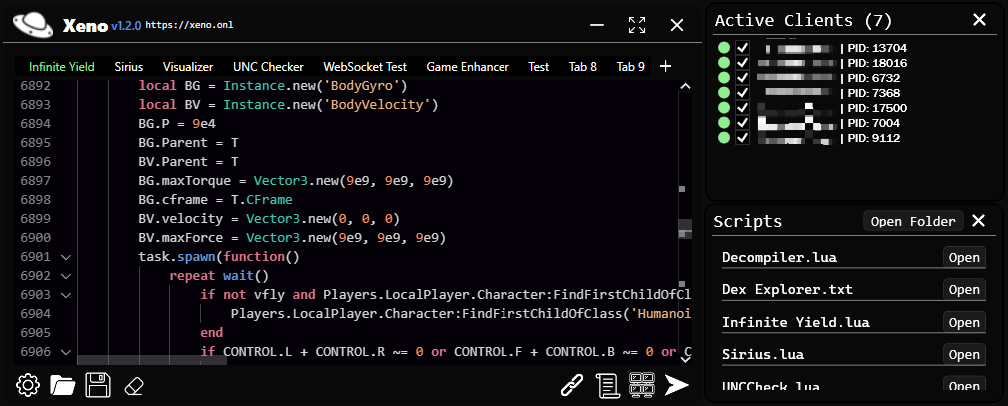
5. Clean & User-Friendly Interface
Beginners can use Xeno easily. From installation to script execution, everything is designed to be simple and clear.
How to Download Xeno Roblox Executor for PC (Step-by-Step Guide)
Follow these safe steps to download the latest version of Xeno:
- Step 1 – Download the Xeno Official APK
- Click the Download Buton to Get the Xeno APK File [Latest Version]
- Avoid downloading from unknown or copied sites to prevent viruses or malware.
- Step 2 – Download the ZIP File
- Download the latest Xeno ZIP package.
- Step 3 – Extract the Files
- Right-click the ZIP file → Extract All
- Inside, you will find xeno.exe.
- Step 4 – Run the Installer
- Double-click xeno.exe and follow the on-screen setup steps to install the executor on your Windows PC.
- Step 5 – Launch the Executor
- Once installed, Xeno will be ready to connect with Roblox.
How to Use Xeno Executor?
Using Xeno is simple and beginner-friendly:
- Launch Roblox
- Open the game you want to use the script in.
- Open Xeno Executor
- Make sure both Roblox and Xeno are running at the same time.
- Paste Your Script
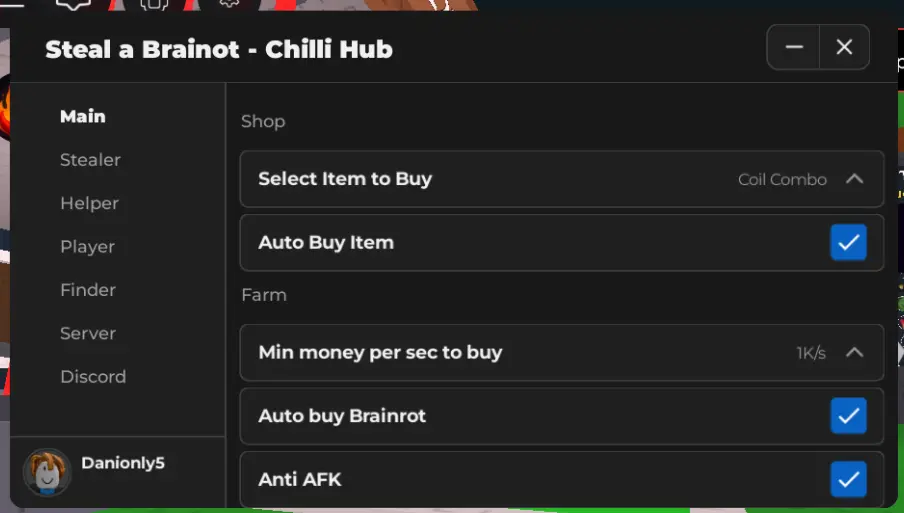
- Copy any Roblox script from trusted sources (e.g., Krnl.vip, Pastebin, GitHub).
- Execute the Script
- Press Execute or hit Enter to run the script instantly.
Your script will now load inside Roblox, unlocking new features, modes, or visual upgrades.