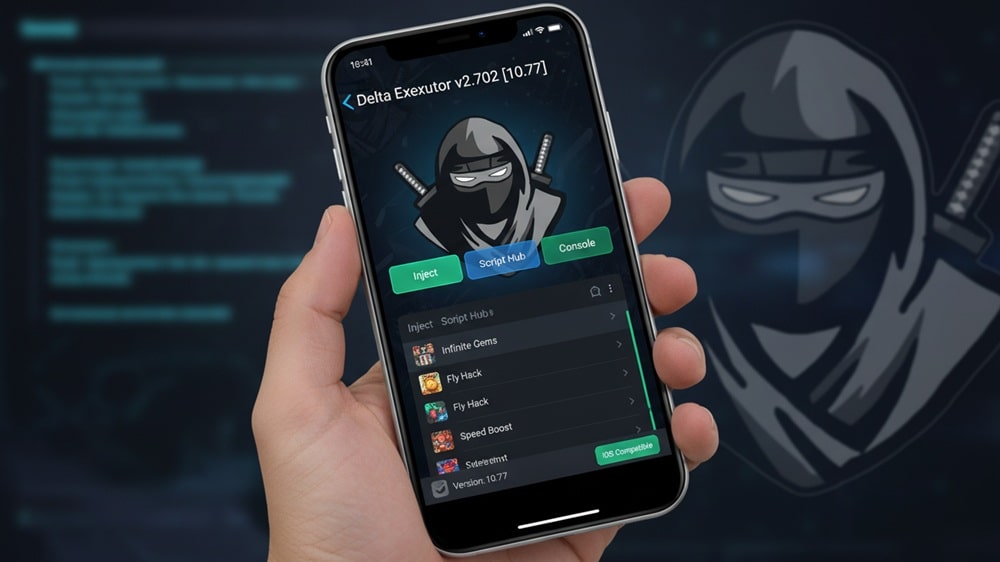
If you are a Roblox player using an iPhone or iPad and want to unlock powerful scripts, auto-farm features, and advanced in-game advantages, then Delta Executor iOS is the best solution for you. After the massive success of Delta on Android, the developers have officially released Delta Executor for iOS, making it the most stable and feature-packed Roblox executor for Apple devices.
Announced officially on August 26, 2024, Delta Executor iOS allows Roblox iOS users to inject Lua scripts, use premium exploit features, and run script hubs directly on iPhones and iPads through a secure IPA installation system.
What is Delta Executor iOS?
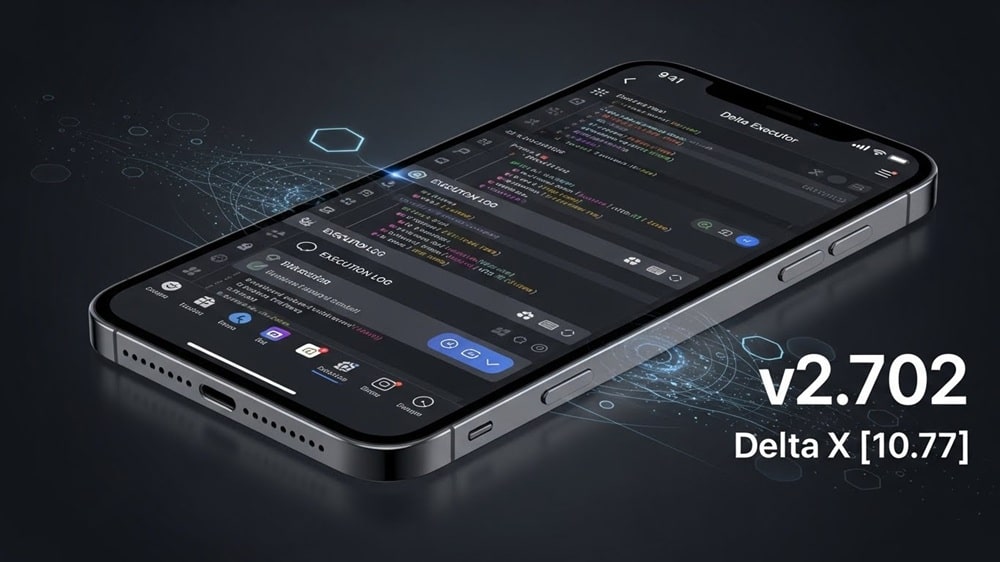
Delta Executor iOS is a high-performance Roblox script executor designed specifically for iOS devices. It allows users to run custom Lua scripts, enable cheat features, automate grinding, and unlock premium gameplay tools inside Roblox — all while keeping FPS stable and minimizing crash risk.
It supports the latest Roblox updates and provides advanced UNC script compatibility, making it perfect for competitive and casual Roblox exploiters.
Delta Executor iOS Features
⚡ Powerful Script Execution Engine
- 100% UNC compatibility
- Ultra-fast script injection
- Supports all major Roblox script hubs
🎮 Smooth Performance
- Near-zero FPS drop
- Optimized memory handling
- Stable gameplay on iPhone & iPad
🛠 Advanced Developer Tools
- Full Debug Library
- Drawing & ESP Library
- Lua script auto-fix compatibility
🔑 Easy Key System
- 48-hour activation key
- Only 2 quick ad steps
🔄 Frequent Updates
- Regular patches after Roblox updates
- Bug fixes and performance upgrades
How to Download Delta Executor iOS on iPhone & iPad
Since Delta iOS comes as an IPA file, you must sideload it using special installer tools.
Supported Installation Methods:
- Scarlet (No PC)
- Sideloadly (Windows/Mac)
- Apple Configurator 2 (Mac)
Method 1 – Install Delta Executor iOS Using Scarlet (No PC)
Scarlet allows you to install IPA files directly on your iPhone without a computer.
- Open Safari and visit usescarlet.com
- Tap Install and choose Direct Install
- Open Settings → General → VPN & Device Management
- Trust the Scarlet profile
- Open Scarlet, tap the Sideload icon
- Select the Delta Executor iOS IPA and tap Install
Method 2 – Install Delta Executor iOS Using Sideloadly (PC/Mac)
- Download Sideloadly on your PC/Mac
- Connect your iPhone/iPad
- Drag Delta Executor iOS IPA into Sideloadly
- Enter your Apple ID
- Click Install
- Go to Settings → VPN & Device Management → Trust the profile
Method 3 – Install Delta Executor iOS Using Apple Configurator 2 (Mac)
- Install Apple Configurator 2 from Mac App Store
- Connect your iPhone
- Drag the Delta iOS IPA into AC2
- Confirm install
Best Alternatives to Delta Executor iOS
Although very few Roblox executors support iOS, these are the best alternatives:
Still, Delta Executor iOS remains the most stable, updated, and safest Roblox executor for Apple devices in 2026.