If you love modding Grand Theft Auto V, you already know that nothing moves without the right foundation. Whether you want to spawn a fleet of supercars, change the weather on a whim, or turn Los Santos into your personal playground, there is one essential tool you absolutely need to install first.
Here is your complete guide to getting it up and running safely.
What is Script Hook V?
At its core, Script Hook V is the fundamental library that allows GTA V to read and run custom script native functions inside *.asi plugins. Think of it as the ultimate bridge: it connects the base game code to the brilliant, creative modifications made by the modding community. Without it, some of the best mods on the internet simply won’t load.
The genius of this tool lies in its design concept. Compiled script plugins depend entirely on the main runtime file. This means when Rockstar drops a new game update, you don’t have to reinstall or update all of your individual mods. Instead, you just wait for the updated library file, swap it out, and your entire mod setup works perfectly again.
Why You Need the Script Hook V + Native Trainer 3788.0/1013.34 Bundle
When you look for the official files, you are highly recommended to grab the full bundle: Script Hook V + Native Trainer 3788.0/1013.34.
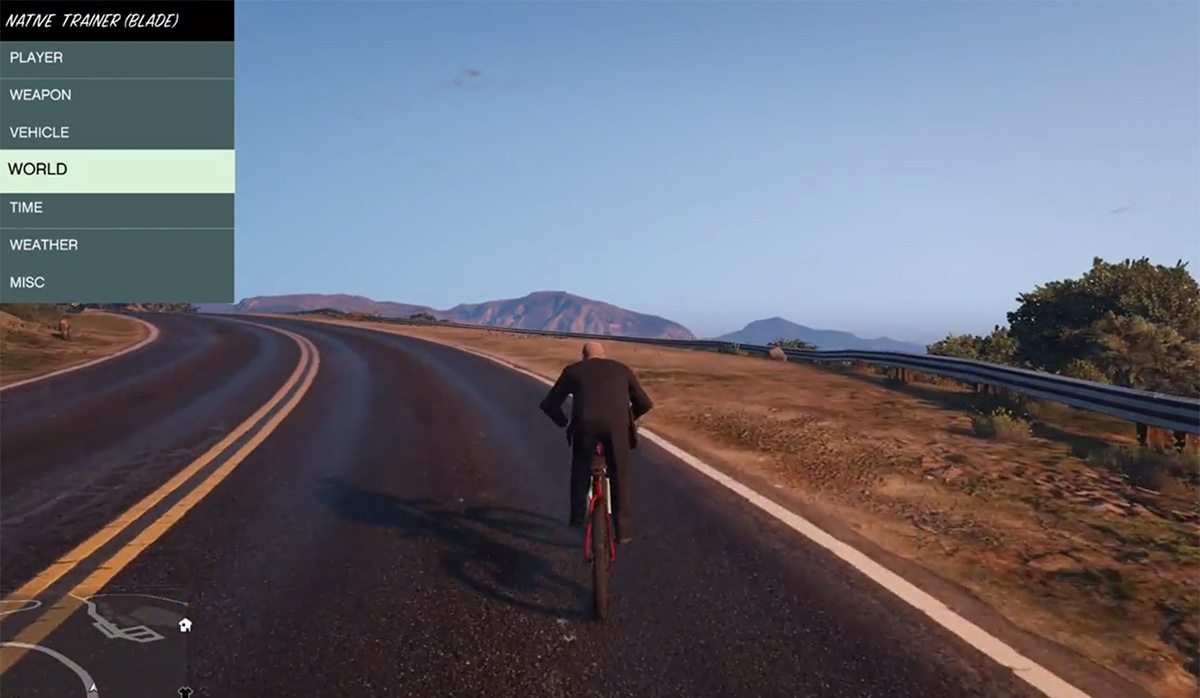
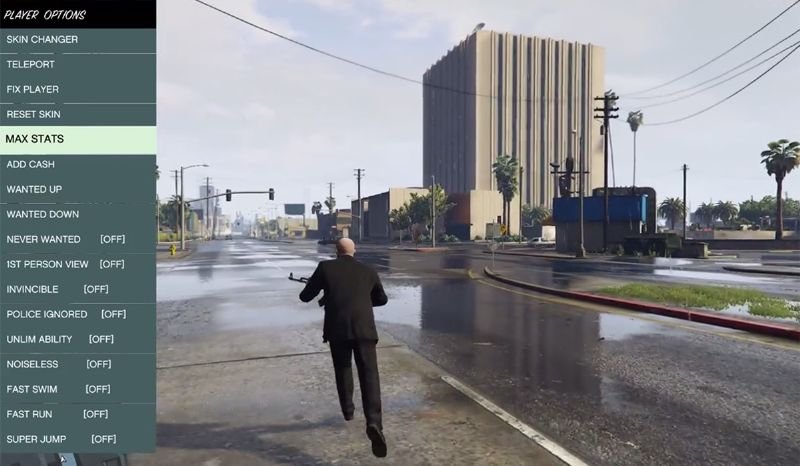
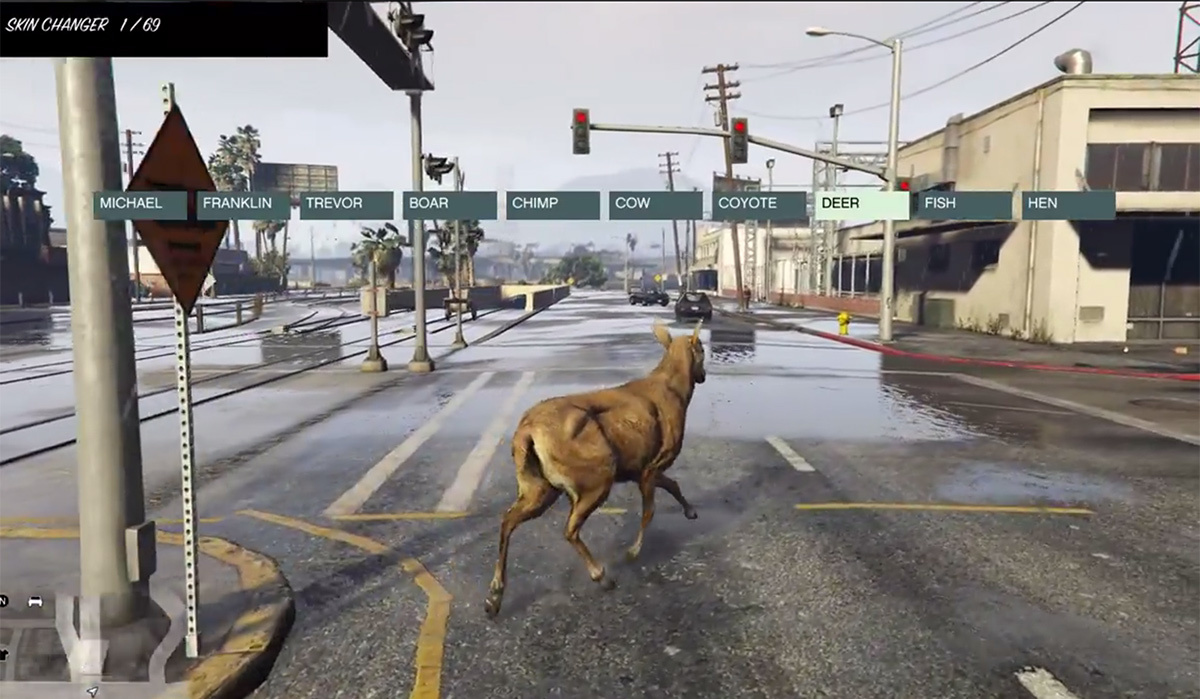
This official distribution doesn’t just give you the script hook baseline; it also packages the latest ASI Loader and a fully functional sample plugin—the Native Trainer. It gives you an instant toolkit to test your installation and immediately start modifying your gameplay right out of the box.
Will Using This Get You Banned from GTA Online?
No, but with an important catch. The developer, AB Software Development, built an automatic safety feature directly into the software. The script hook completely disables itself and closes GTA V if you attempt to enter multiplayer modes. Because custom scripts are strictly blocked from connecting to official matchmaking, you can safely mod your single-player campaign without risking your Rockstar Games social club account.
Step-by-Step Installation: Download for Windows
Ready to level up your single-player experience? Follow these exact steps to download for Windows and get everything properly configured in your directory.
Prerequisites & File Contents
When you extract the downloaded .zip file (which is incredibly lightweight at just around 1.64 MB), you will find three vital files inside the bin folder:
ScriptHookV.dll— The core library.dinput8.dll— The latest ASI Loader required to boot custom plugins.NativeTrainer.asi— The optional menu plugin for testing and gameplay cheats.
The Setup Sequence
1.Locate Your GTA V Main Folder:Prerequisite Step.
Find the directory where your game is installed. Look for the main folder that contains your primary execution file: GTA5.exe.
2.Copy the Core Runtime File:Essential.
Drag and drop ScriptHookV.dll from your downloaded zip straight into that main GTA V folder.
3.Install the ASI Loader:Essential.
Copy dinput8.dll into the exact same folder. This is what actually triggers the game to recognize and load outside .asi plugins.
4.Add the Gameplay Trainer:Optional but Recommended.
If you want a built-in cheat menu right away, copy NativeTrainer.asi into the main directory alongside the other files.
How to Use the Native Trainer Controls
Once you boot up your game in story mode, you can quickly verify if the installation succeeded by using the hotkeys. Make sure your keyboard’s Num Lock is ON, and use the following layout to control the menu overlay:
| Key | Action / Function |
| F4 | Activate Menu / Close Menu |
| NUM 8 | Navigate Up |
| NUM 2 | Navigate Down |
| NUM 4 / 6 | Navigate Left and Right through lists |
| NUM 5 | Select Choice / Activate Cheat |
| NUM 0 / BACKSPACE | Go Back to Previous Menu |
| NUM 9 / 3 | Trigger Vehicle Boost (when active) |
| NUM + | Fire Vehicle Rockets (when active) |
Technical Specifications & File Identity
Before running any executable or library tool on your PC, it is always a smart practice to verify your download’s file signatures to ensure it hasn’t been tampered with.
- Developer: AB Software Development
- License: Free
- Category: Gaming Tools / Utilities
- File Type: ZIP Archive
- File Size: ~1.64 MB
- SHA256 Hash:
ebe6482f4650ed76cc5e16e745974b776657ccb06a711bace90d5eec1c5956e0
Keep this utility updated alongside official Rockstar game patches, and you will enjoy a seamless, crash-free modding experience across Los Santos!