If you are looking for a simple way to edit your heist missions in GTA V, then the Lua Script Heist Editor is a great tool for you. It helps you change settings, rewards, and gameplay options easily without needing advanced skills.
In this guide, you will learn what this tool is, its features, and how to download and use it safely.
What is Lua Script Heist Editor?
Lua Script Heist Editor is a small program made using Lua scripts. It allows players to edit different parts of heist missions in supported games. You can change money rewards, difficulty levels, and other important settings.
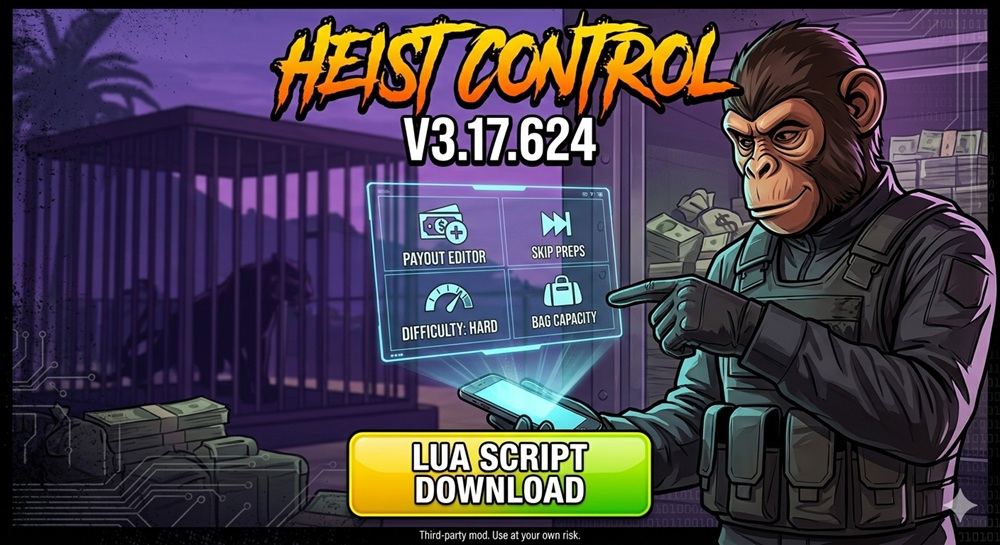
A Lua Script Heist Editor is a helpful modding tool used in Grand Theft Auto V (GTA V). It works with popular mod menus like Stand, 2Take1, and Kiddion’s Modest Menu. These tools use simple Lua scripts to connect with the game and give players more control over heist missions.
With this editor, players can easily change important settings like rewards, mission progress, and difficulty. It removes the need to repeat long setup missions and helps you enjoy the game faster.
The tool works by reading game data and letting you edit it in real-time. For example, you can increase your heist payout, skip prep missions, or adjust difficulty for better rewards. All of this can be done with just a few clicks, making it perfect for both beginners and experienced players.
The best part is that it is beginner-friendly. Even if you are new, you can use it without much trouble.
Overall, Lua Script Heist Editor is a powerful yet easy tool that helps you customize your heist experience and save time while playing.
Key Features of Lua Script Heist Editor
Here are some useful features of this editor:
- Easy to use interface
- Quick editing of heist settings
- Change rewards and mission values
- No coding skills required
- Lightweight and fast performance
- Works smoothly on most systems
These features make it a popular choice among users who want quick changes without complex setup.
Why Use Lua Script Heist Editor?
This editor is chosen by many players since it helps save time. Rather than playing one mission several times in vain, it allows changing options and playing the game as you like.
Moreover, this tool allows having more options for gameplay that adds up to pleasure.
How to Install Lua Script Heist Editor
Follow these simple steps to add the script to your mod menu:
- Download the Script: Get the latest
.luafile from a trusted source. - Extract the Files: If the download is a ZIP, extract it using WinRAR or 7-Zip to reveal the script file.
- Locate your Mod Menu Folder: Open the folder on your PC where your main mod menu (like Stand or Kiddions) is installed.
- Move to Scripts Folder: Copy the
.luafile and paste it into the folder namedScriptsorLuawithin your mod menu directory. - Refresh or Restart: If your game is already running, use the “Reload Scripts” option in your mod menu. Otherwise, simply launch the game and the menu.
How to Use Lua Script Heist Editor
Once the script is installed, follow these steps to customize your heist:
- Open your Mod Menu: Launch your game and press the hotkey to open your main mod menu.
- Navigate to Scripts: Go to the “Scripts” or “Lua Scripts” section and select the Heist Editor.
- Configure your Heist: Choose the specific heist you are working on (e.g., Cayo Perico or Diamond Casino) and adjust your desired settings, such as payouts or mission progress.
- Apply Changes: Click the option to “Apply” or “Save” the modifications within the menu interface.
- Start the Mission: Launch the heist finale or setup in-game to see your changes in action.
Pro Tip: Always apply your settings while inside your submarine, arcade, or facility before starting the final heist screen to ensure the game registers the new values correctly.
Important Tips
- Always use the latest version
- Backup your game files before editing
- Do not use on official or online servers if not allowed
- Use responsibly to avoid problems
Final Words
Lua Script Heist Editor is a powerful yet simple tool for editing heist missions. It is perfect for beginners and advanced users who want more control over gameplay.
If you want faster progress and a better gaming experience, this tool is worth trying.
Frequently Asked Questions (FAQs)
Lua Script Heist Editor is used to edit heist missions in supported games. It helps you change rewards, difficulty, and other gameplay settings easily.
Yes, most versions of Lua Script Heist Editor are free to download and use. Always make sure you download it from a trusted source.
No, you do not need any coding knowledge. The tool is designed for beginners and is very easy to use.
The tool itself is safe if downloaded from a reliable website. However, always scan files for viruses and avoid unknown sources.
It is not recommended to use this tool in online or official servers, as it may violate game rules and could lead to penalties.
You can install it by downloading the file, extracting it, and running the program. Follow the setup instructions included in the folder.
This can happen due to outdated versions, missing files, or incorrect setup. Try downloading the latest version and reinstalling it properly.
It mainly works on Windows systems. Make sure your device meets basic requirements before installing.
Yes, you should always use the latest version for better performance and new features. Check your source for updates regularly.
It depends on the game’s terms of service. Using such tools in offline mode is usually fine, but using them online may break rules.